Plot Status
Plot Status
Displays information INPLOT has obtained during plotting the NC program.
All the items display the current status from the last block that was plotted. Useful for debugging programs by seeing the current status of the addresses and variables.
When the Plot Status window is left open, it is updated during plotting in step or auto.
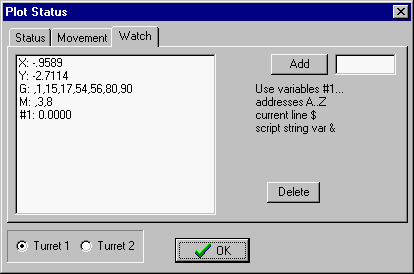
Watch Page - Displays current values.
You can select which addresses or item you wish to display when plotting step by step. In the Add box enter any address from A to Z or variable number or script string variable. To delete them from the list, higlight them and press Delete.
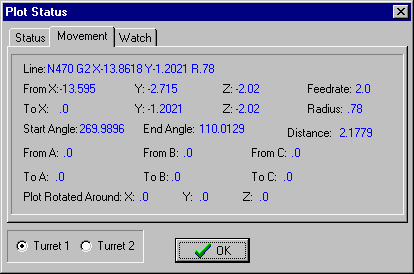
Movement Page - Displays current values active at the last plotted editor line.
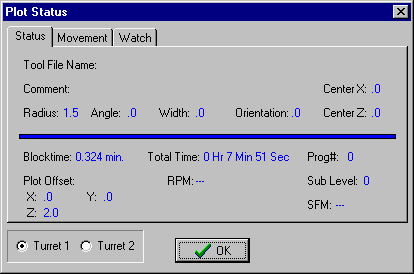
Status Page - Displays Tool and Time information.
For mill format only radius will be displayed. For lathe, info will come from the CDL tool picture file.
Plot offset displays settings from the (TOF comment code.
________________________________________________________________
Copyright © 2020 i-Logic Software